Screenshots may show the Japanese interface. Button labels can differ depending on your app version and display language.
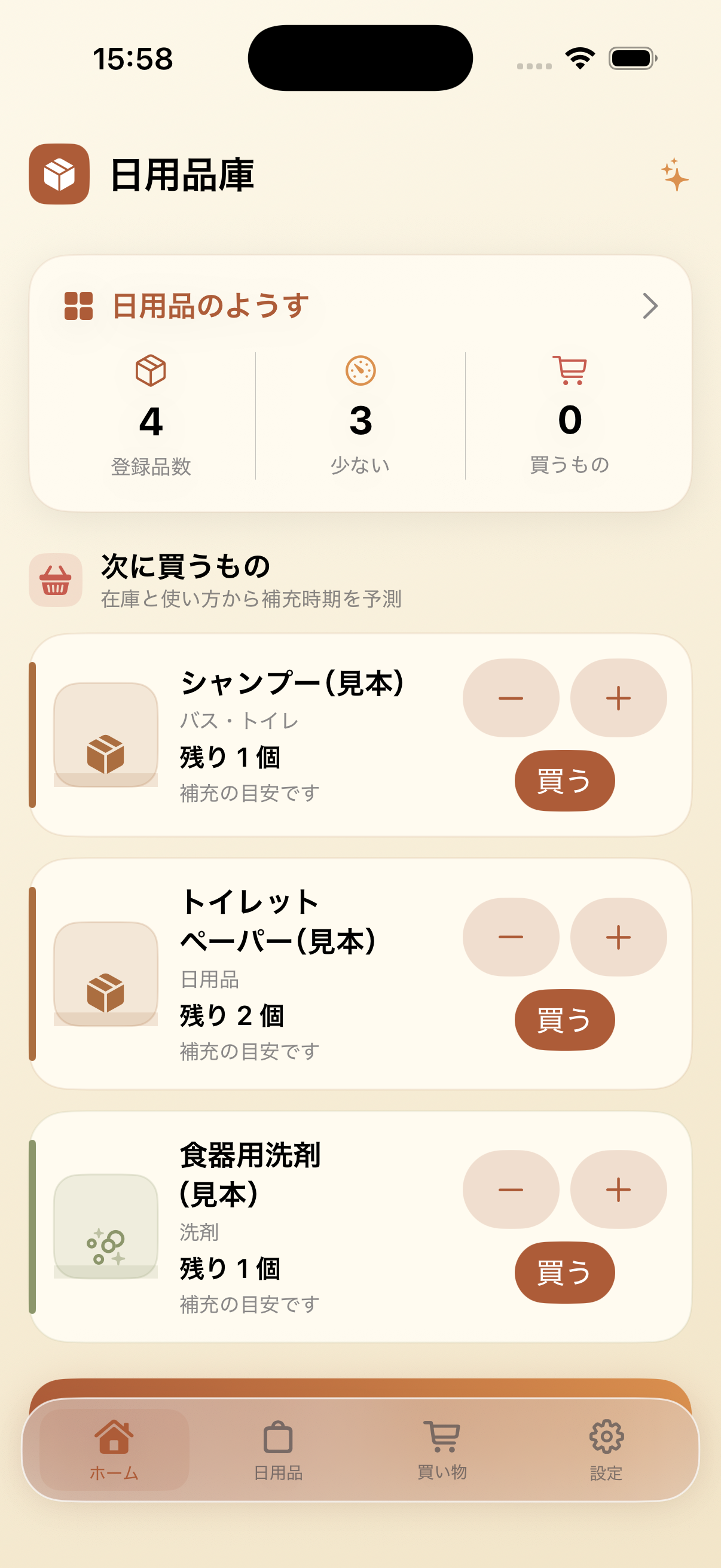
Check what is running low
On the Supplies tab, review item quantities. Use the controls on each item to update the count after using or restocking it.
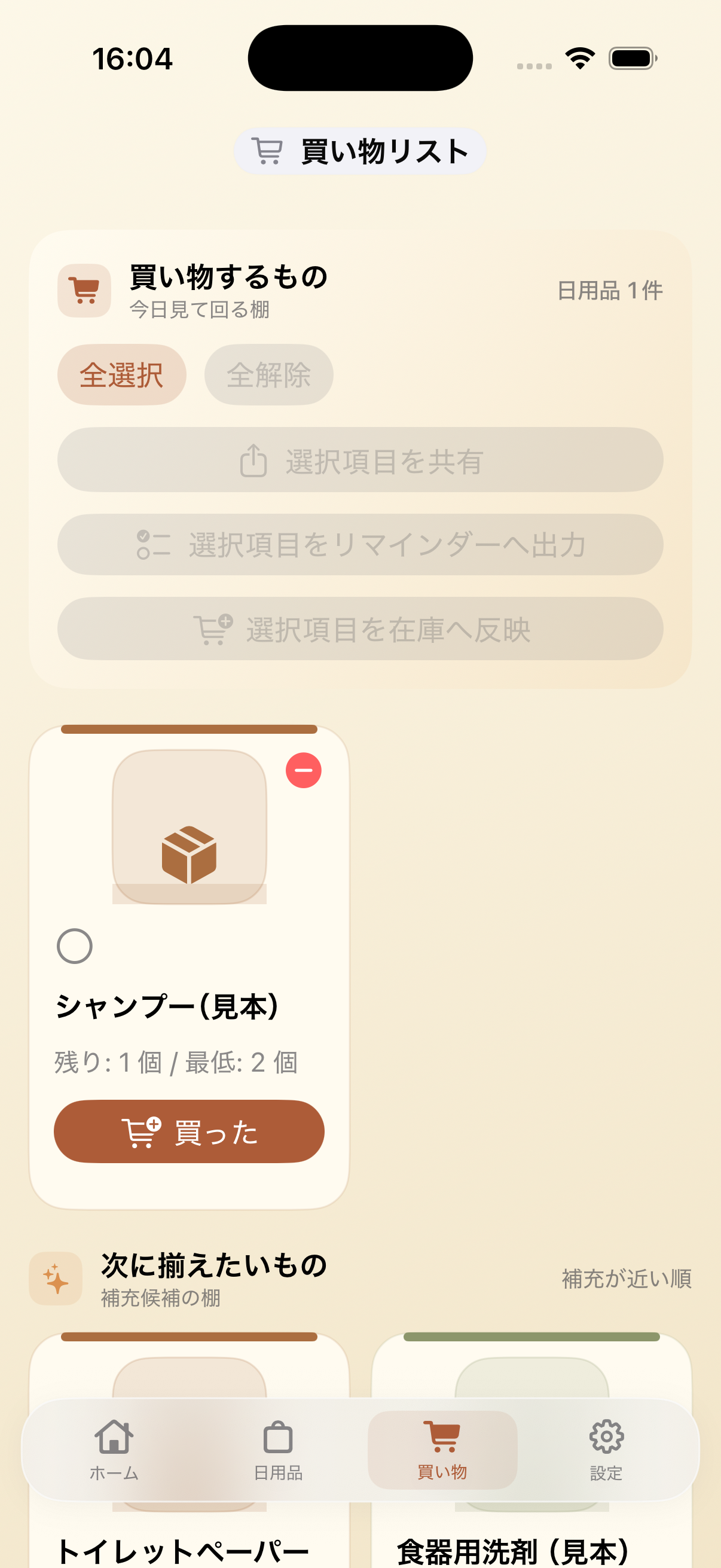
Plan your next shop
Open Shopping. Items at or below their minimum stock appear as suggestions; tap Add to place the ones you need on your shopping list.
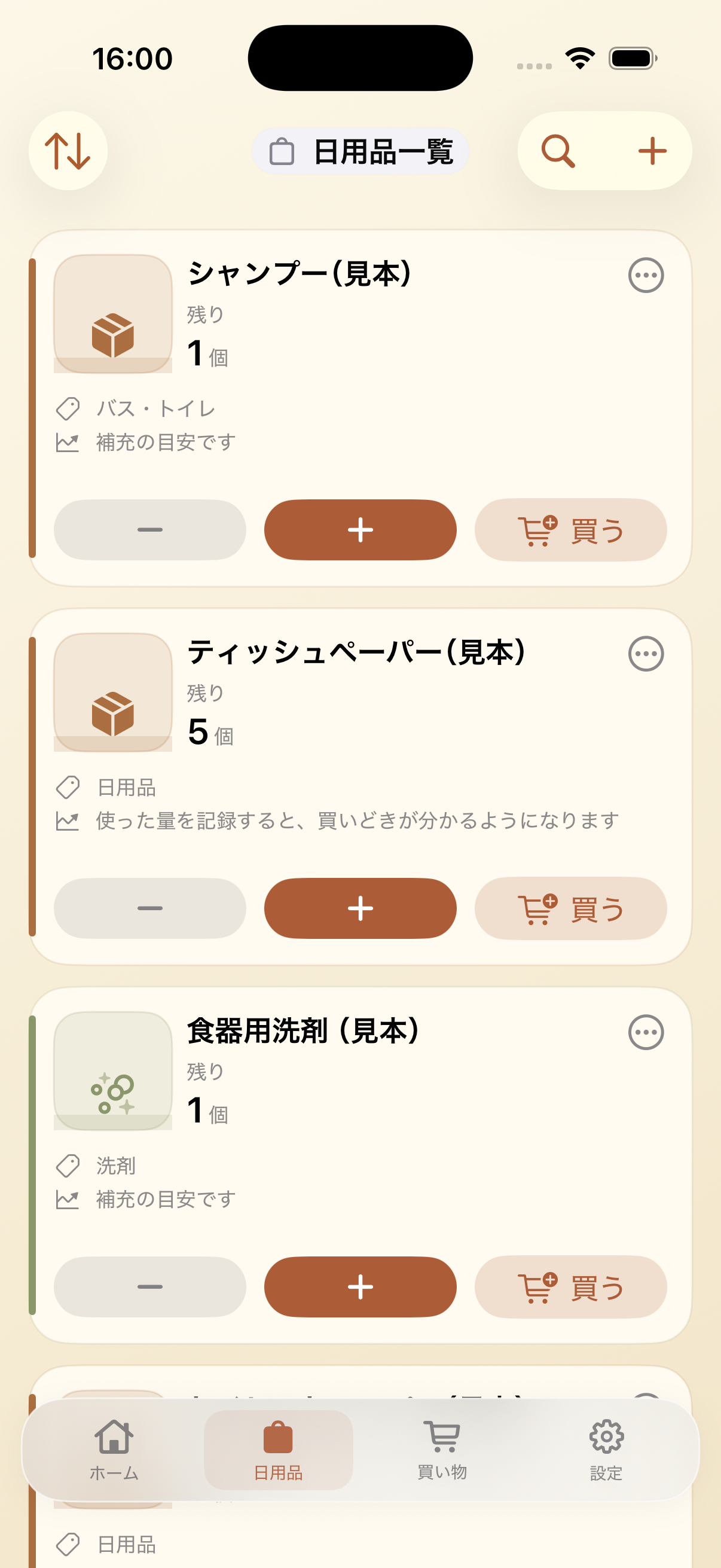
Update an item safely
Open an item’s editing screen to change its details or choose a picture. Tap Save when done, and double-check the item before deleting it.
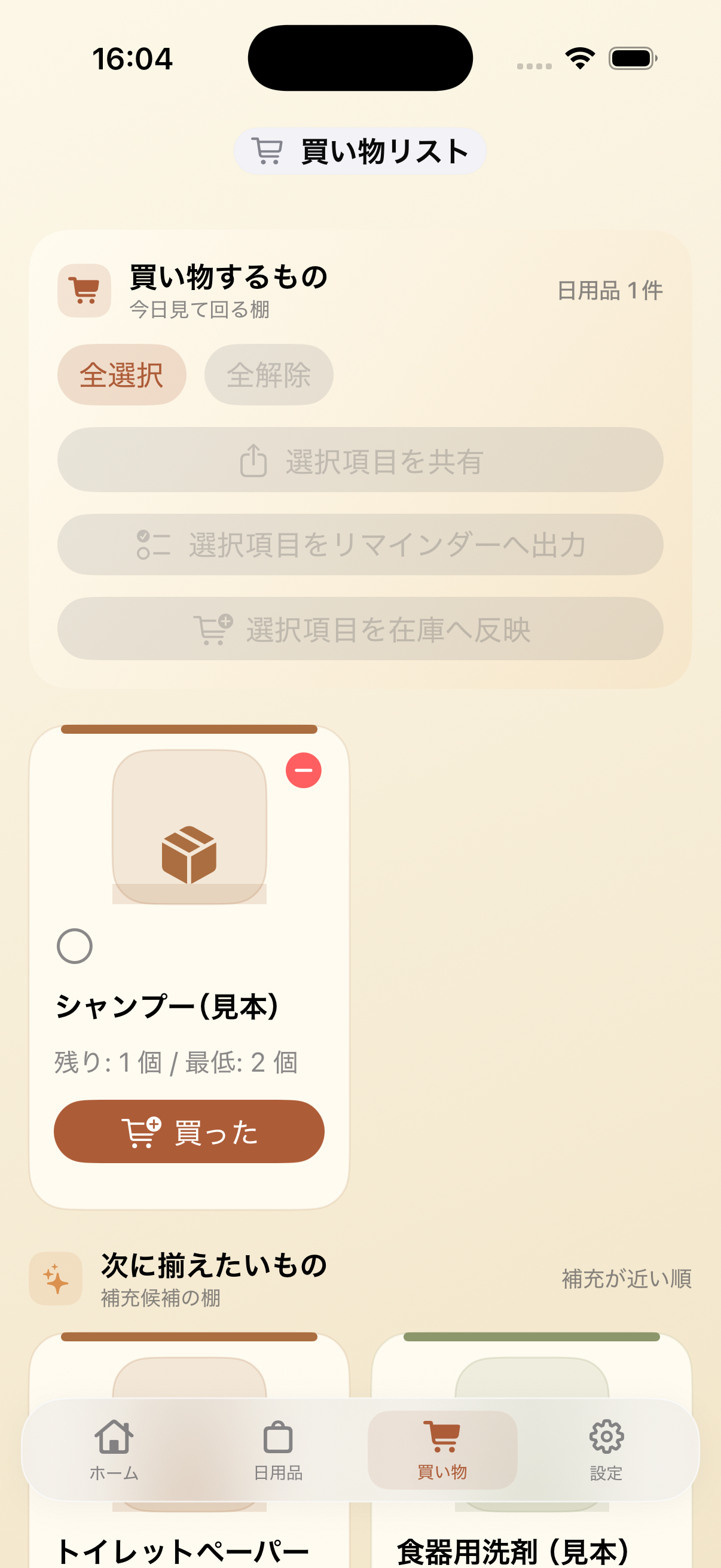
Confirm items before restocking
In Shopping, review the items you intend to buy. When recording a purchase back into inventory, check the item and quantity before confirming.
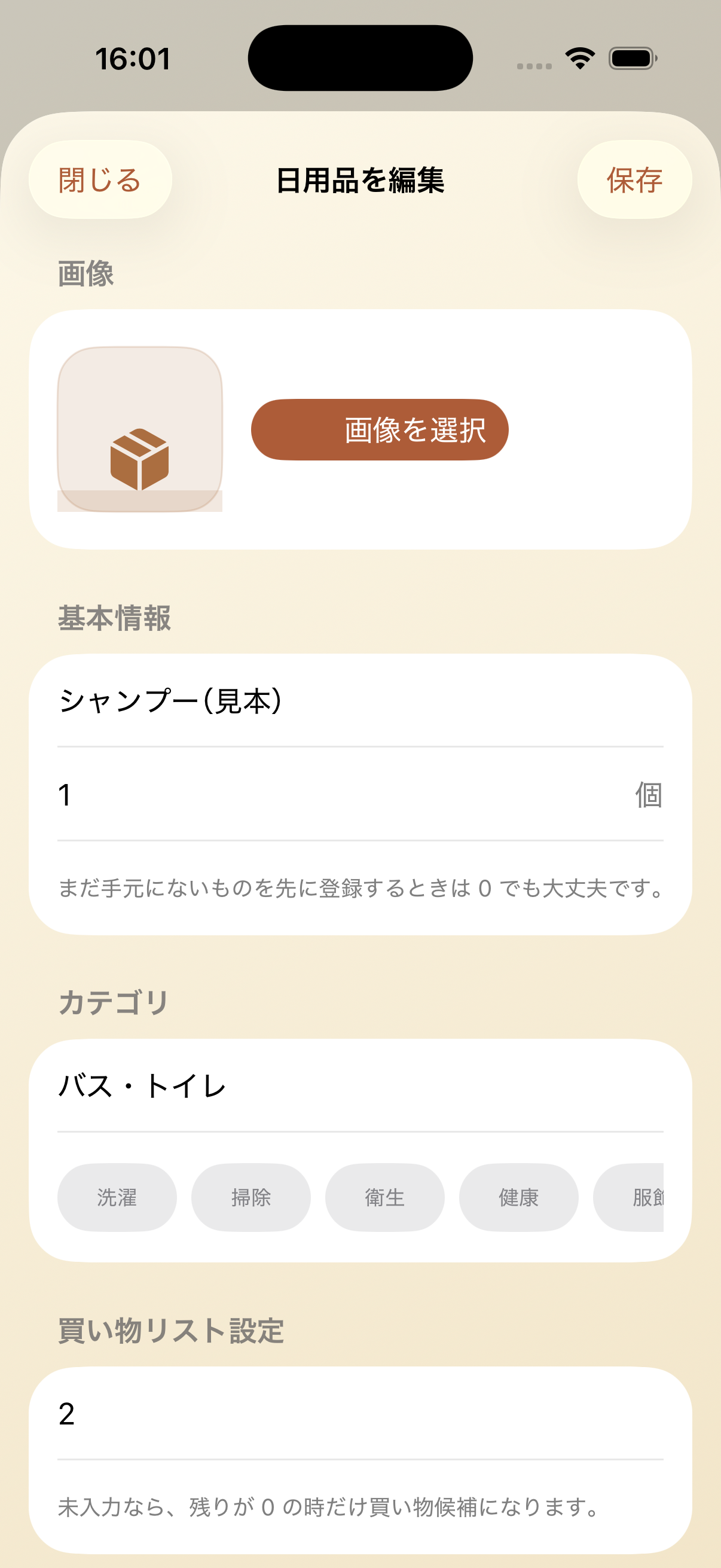
Add a photo to recognize an item
On Supplies, open an item’s menu, choose Edit and Select Image. Pick a photo, then tap Save after checking its name and quantity.