Screenshots may show the Japanese interface. Button labels can differ depending on your app version and display language.
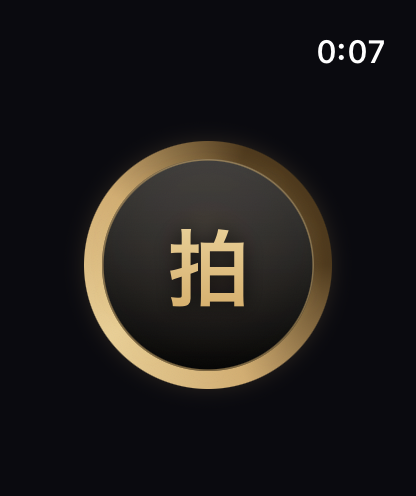
Start a rhythm on Apple Watch
Open Haku on your Apple Watch and tap the large central drum. Feel the short vibration pattern and pay attention to the spacing between beats.
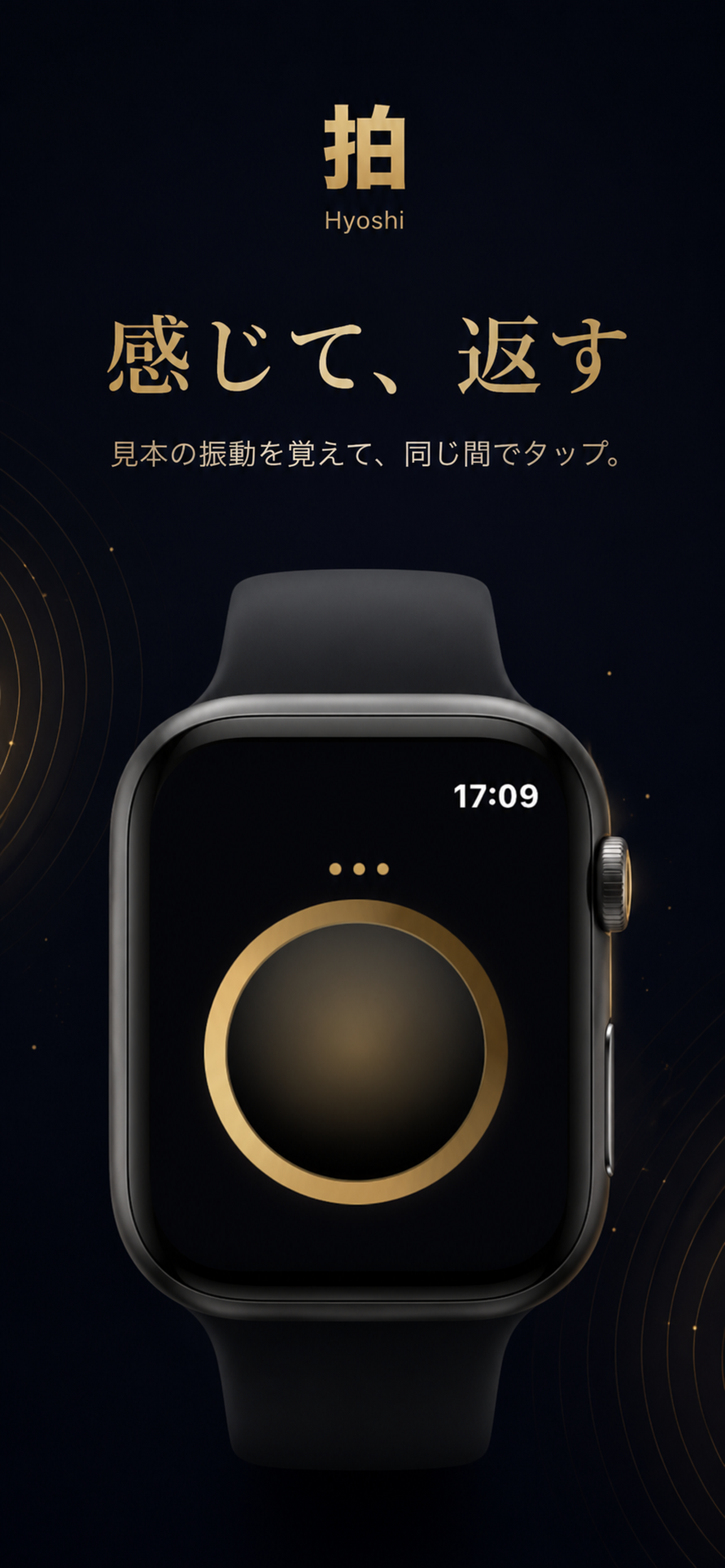
Tap the rhythm back
Wait until the sample finishes, then tap the drum to repeat the pattern. Taps during playback are ignored. The ring of light around the drum shows your result; tap again to try another round.
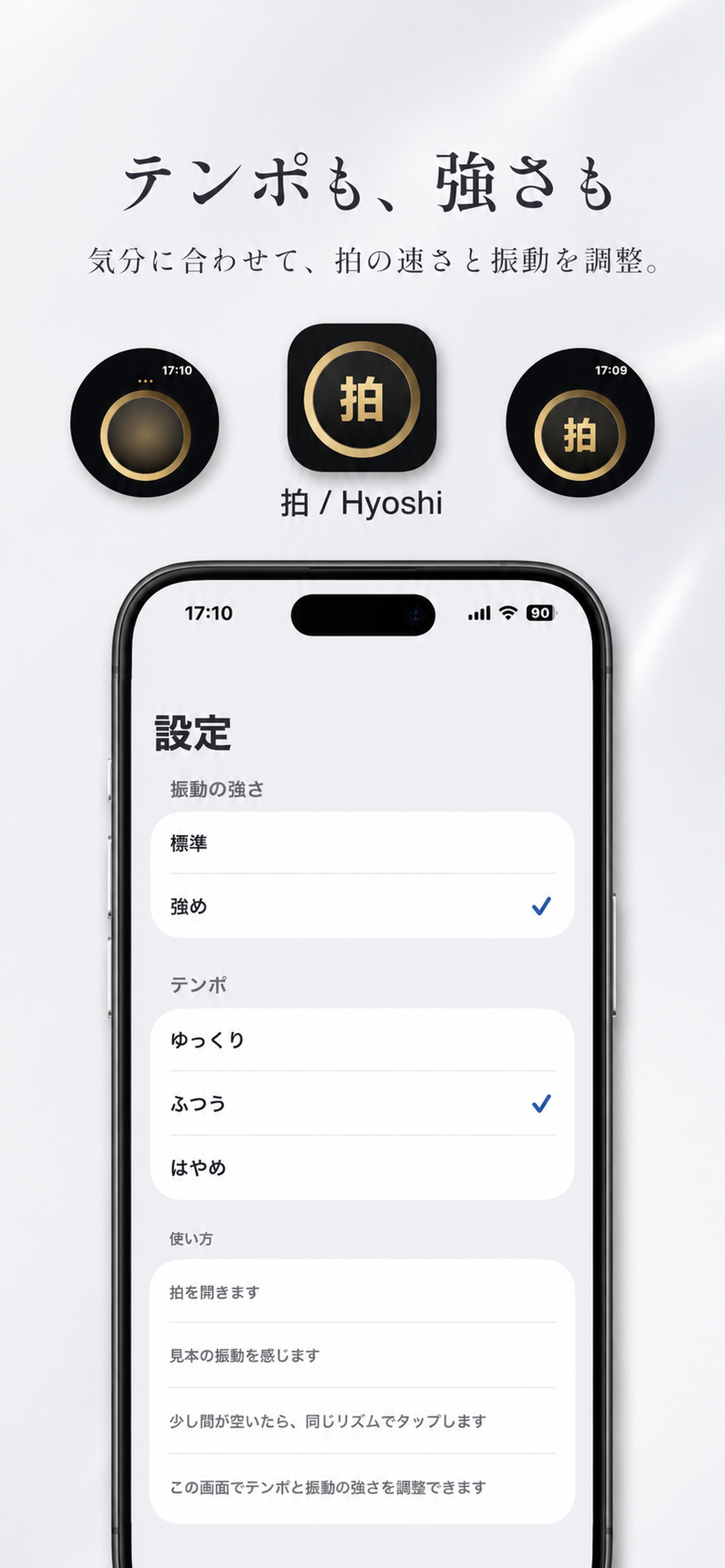
Adjust the tempo
Use the Haku app on your iPhone to choose the tempo and vibration strength. Changes are sent to Apple Watch; start a new round there to experience the updated settings.