Screenshots may show the Japanese interface. Button labels can differ depending on your app version and display language.
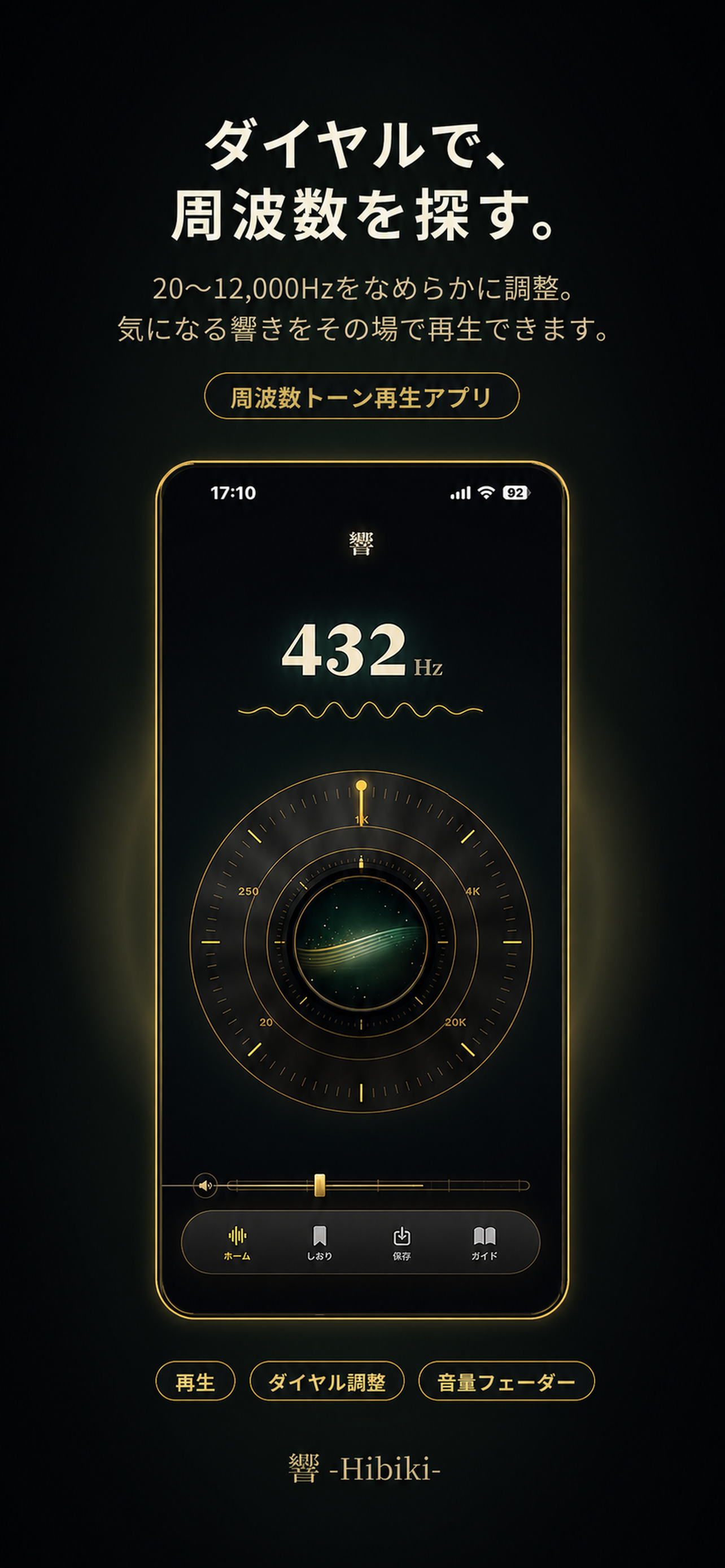
Play a pure tone
Lower your device volume before starting. Tap the circular core in the center to start or stop sound, and check the current frequency shown in Hz or kHz. Stop immediately if listening becomes uncomfortable.
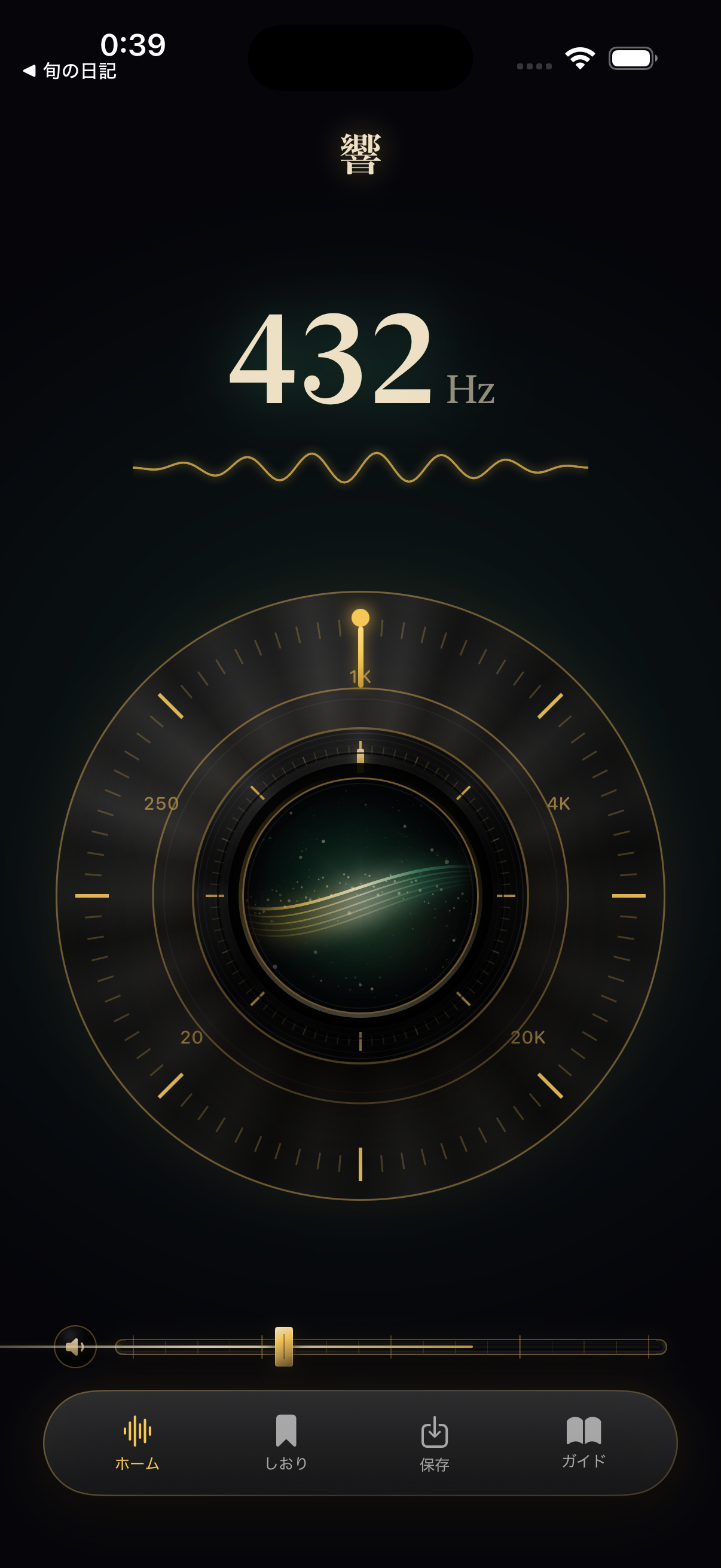
Turn the frequency dial
Move the dial around the central core to adjust the frequency. Watch the displayed number change and listen at a comfortable level.
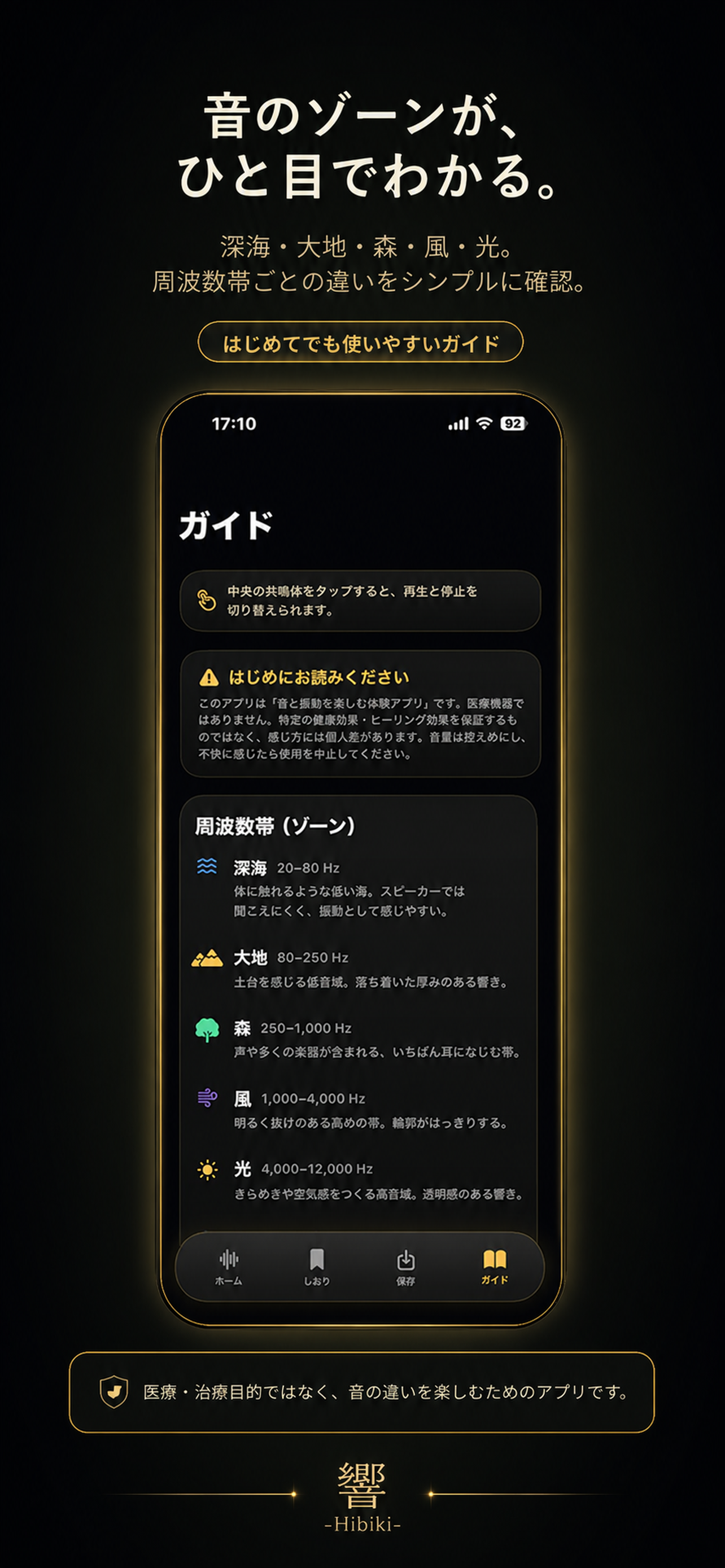
Adjust playback volume
Use the horizontal slider near the bottom of the screen to control volume within the app. Start low and avoid sudden loud output.