Screenshots may show the Japanese interface. Button labels can differ depending on your app version and display language.
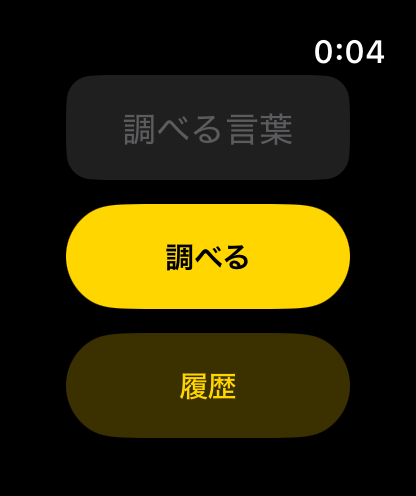
Search on Apple Watch
Open the app and enter a word in the field labelled 調べる言葉. Tap 調べる to start the search. A progress indicator appears until a result is ready.
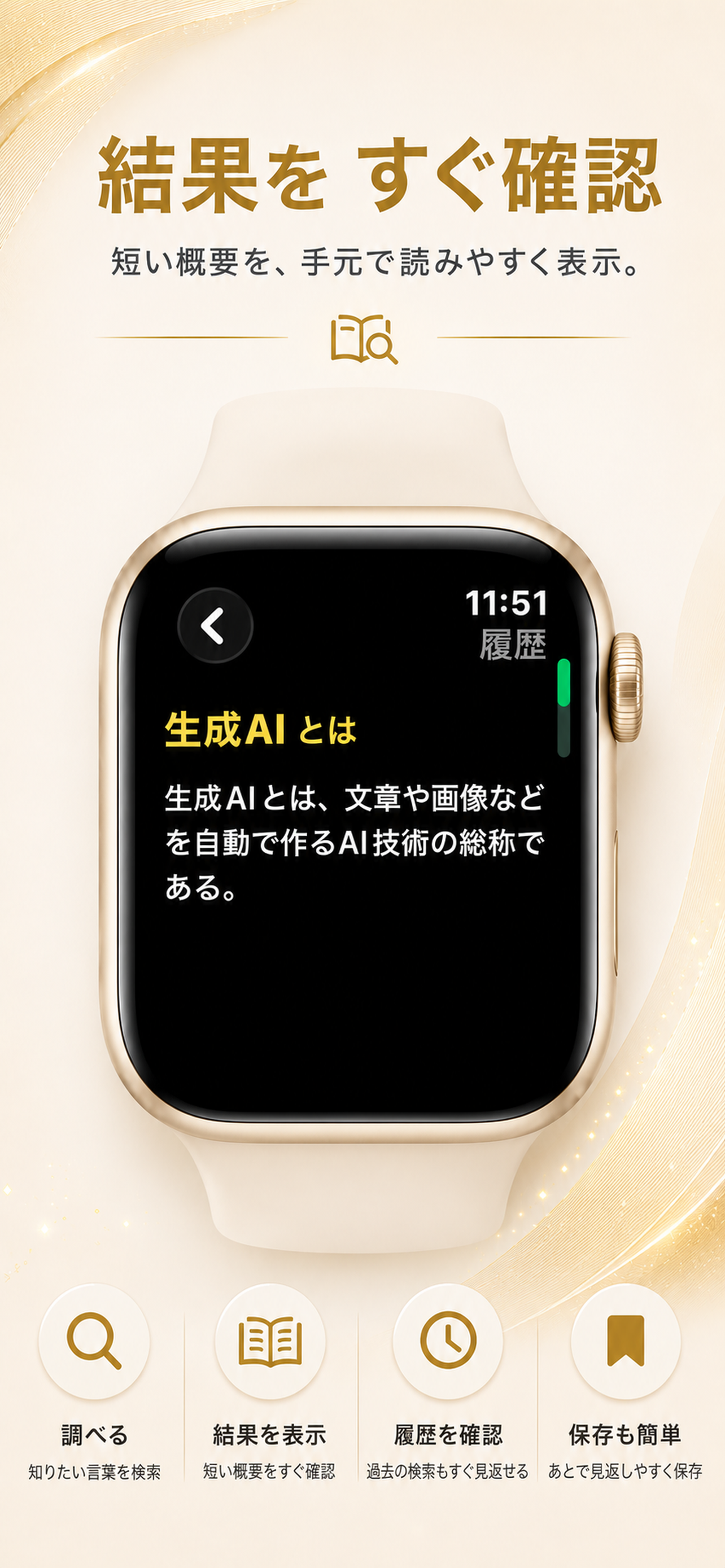
Read the summary
The result shows a summary from Japanese Wikipedia. Check that the result matches the word you wanted to look up.
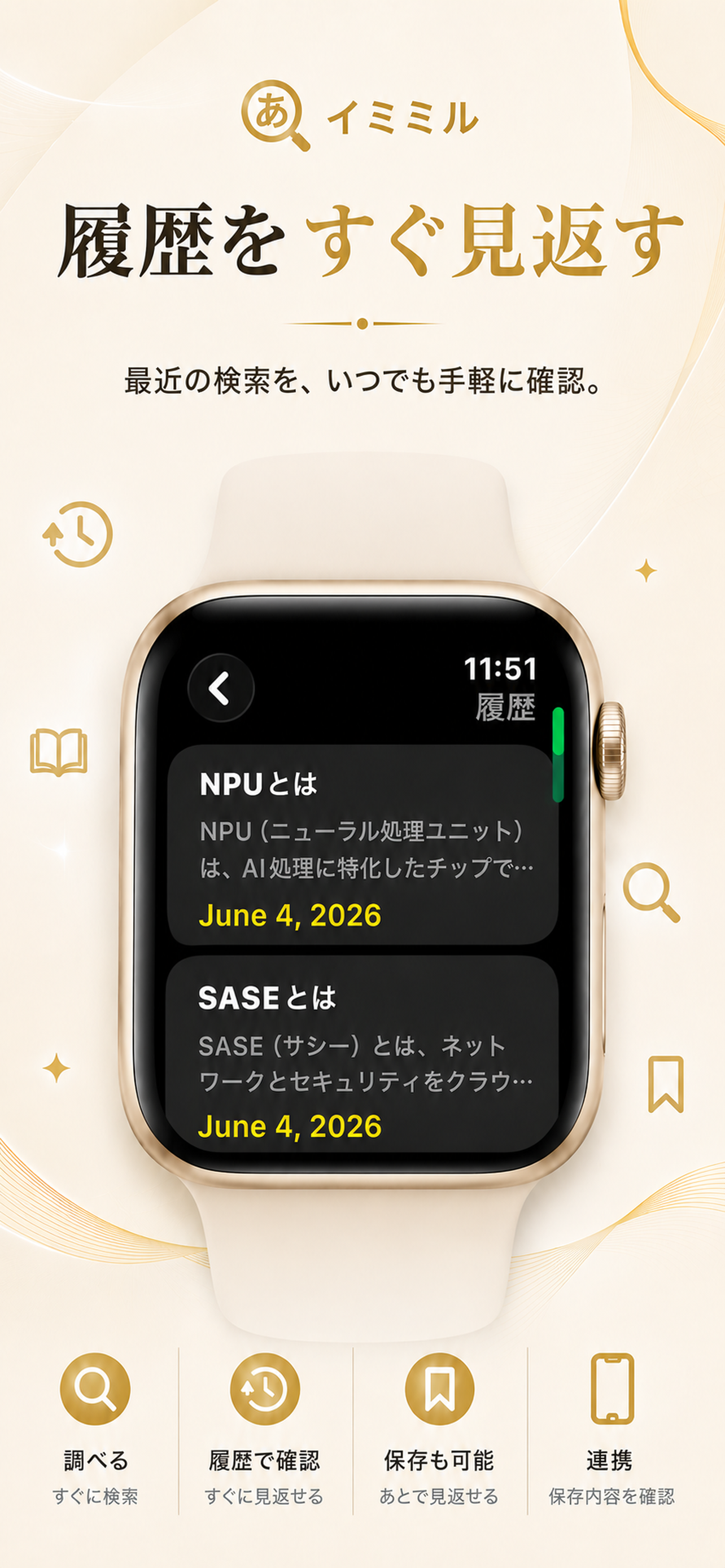
Return to previous searches
Tap 履歴 on the search screen to see previously searched terms. Choose one to read its result again.