Screenshots may show the Japanese interface. Button labels can differ depending on your app version and display language. An English-language interface has not been verified for this app.
Write a diary entry
Open the diary editor and type your entry. Tap Save when it is ready. The photo button in the editor toolbar lets you attach pictures.
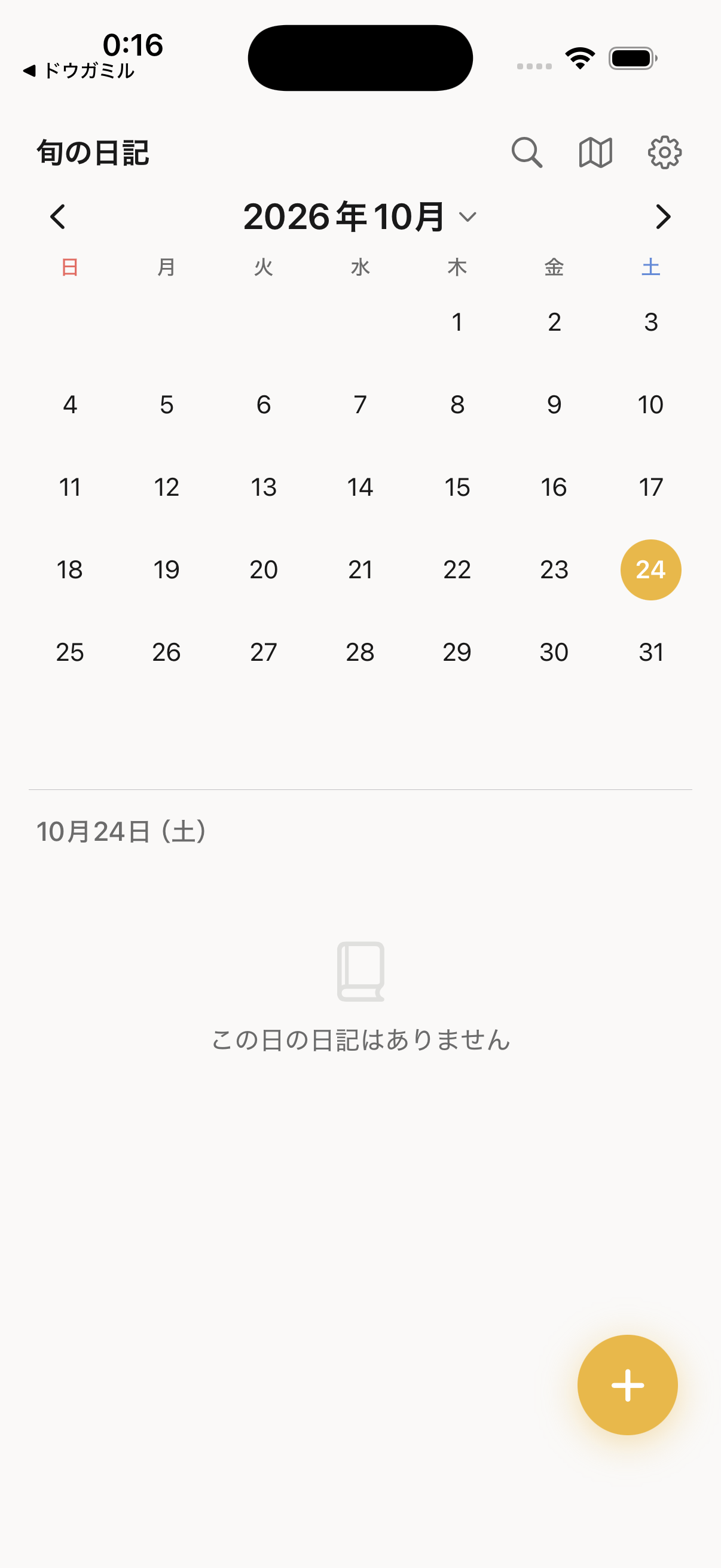
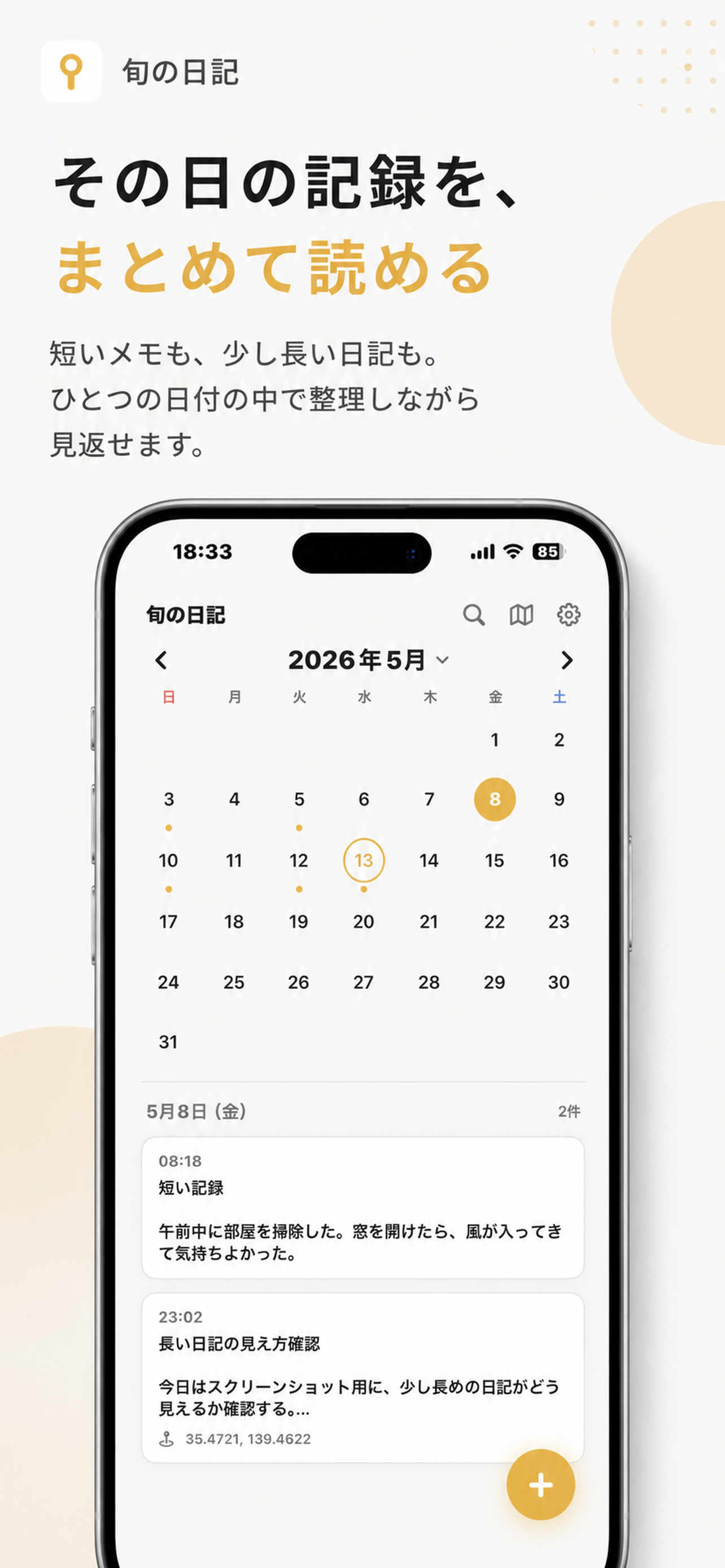
Find a day in the calendar
Choose a date in the calendar to look for past entries. Open an entry to read it again or make changes.
Add a photo
Tap the photo icon at the bottom of the editor and choose a picture from your library. Check both the selected image and the entry date before saving.