Screenshots may show the Japanese interface. Button labels can differ depending on your app version and display language.
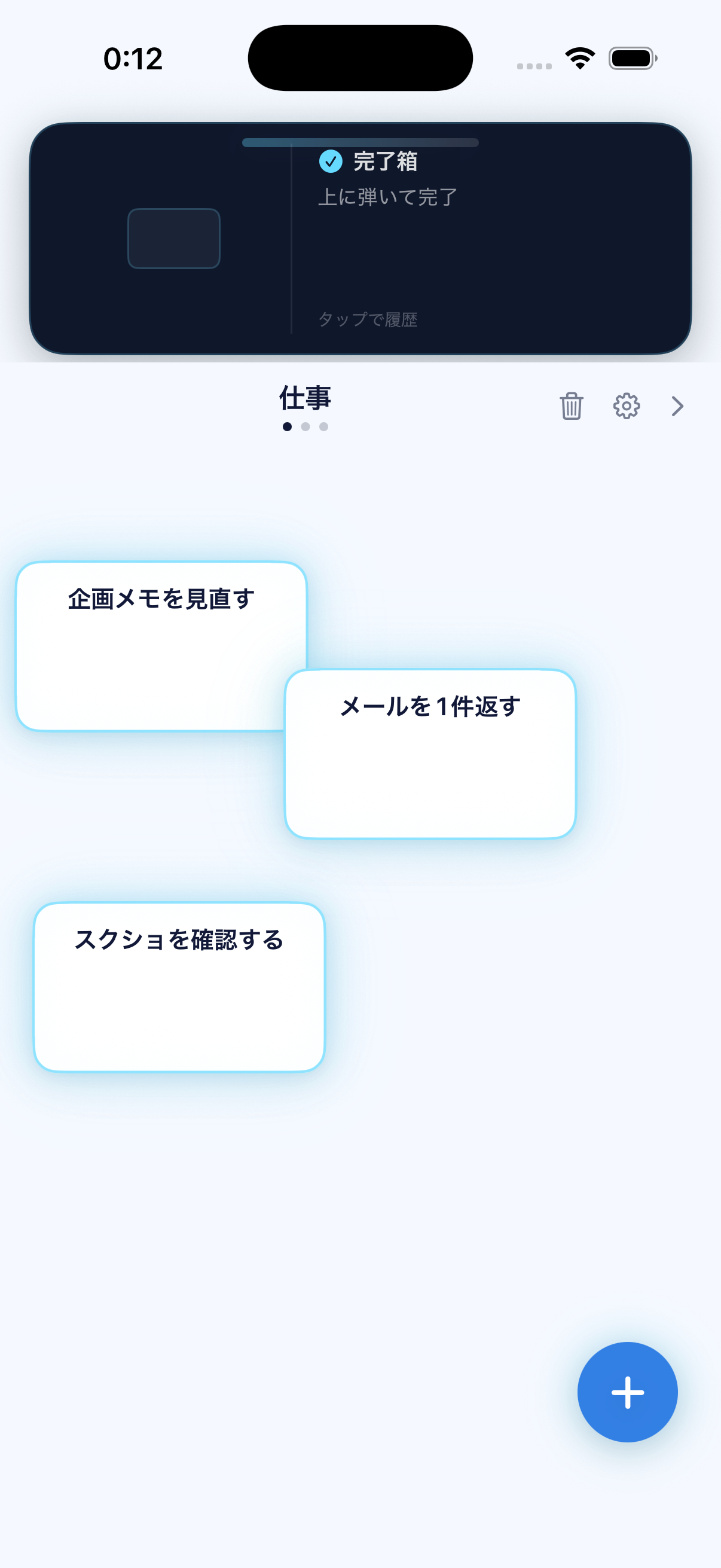
Work with task cards
Each project has its own board of task cards. Check the project name before acting. The trash icon deletes unfinished tasks in the current project in bulk, so use it with care.
Switch between projects
Use the left and right arrows near the project name, or swipe sideways between boards. The dots below the name show which project is active.
Flick a task to completion
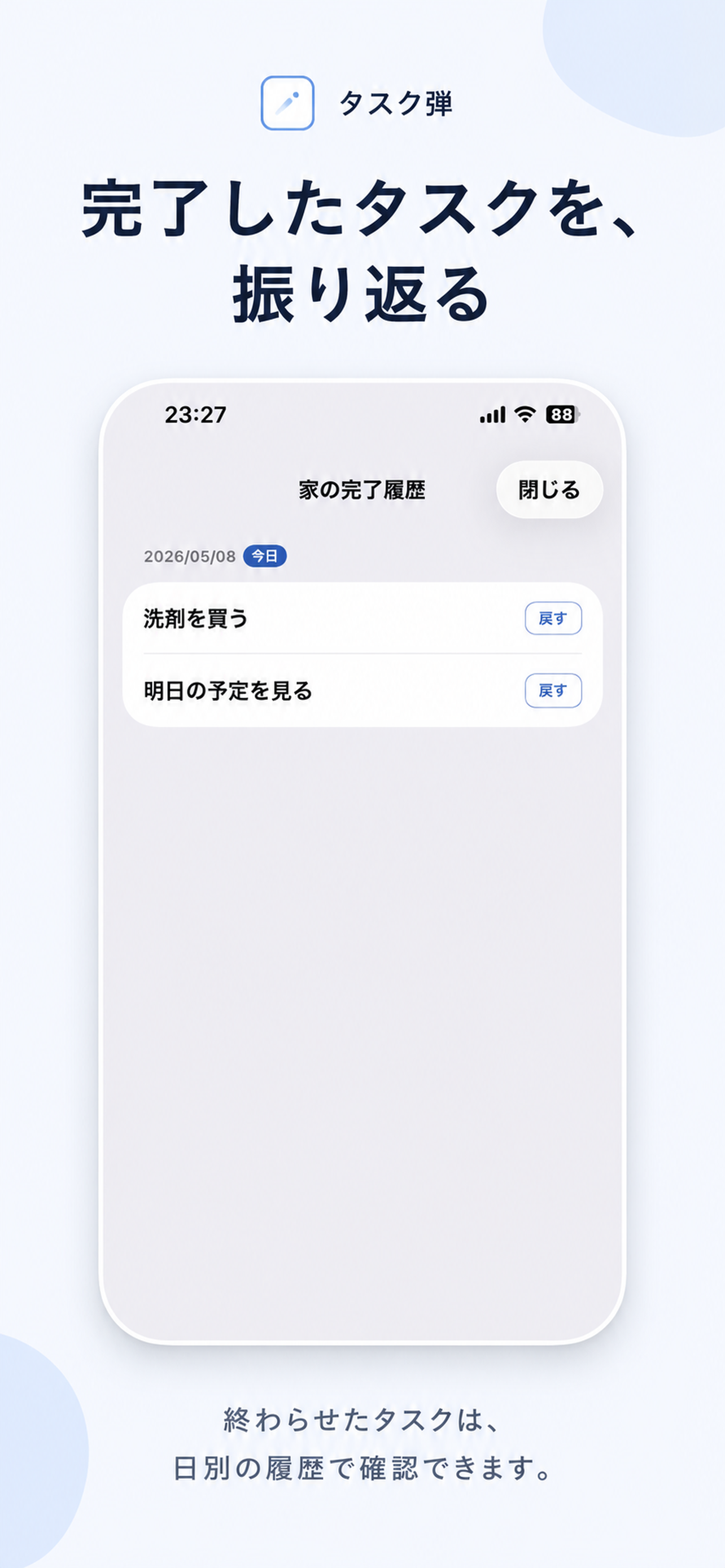
When a task is done, flick its card upwards into the completion zone. Check that it has moved to the completed area.