Screenshots may show the Japanese interface. Button labels can differ depending on your app version and display language.
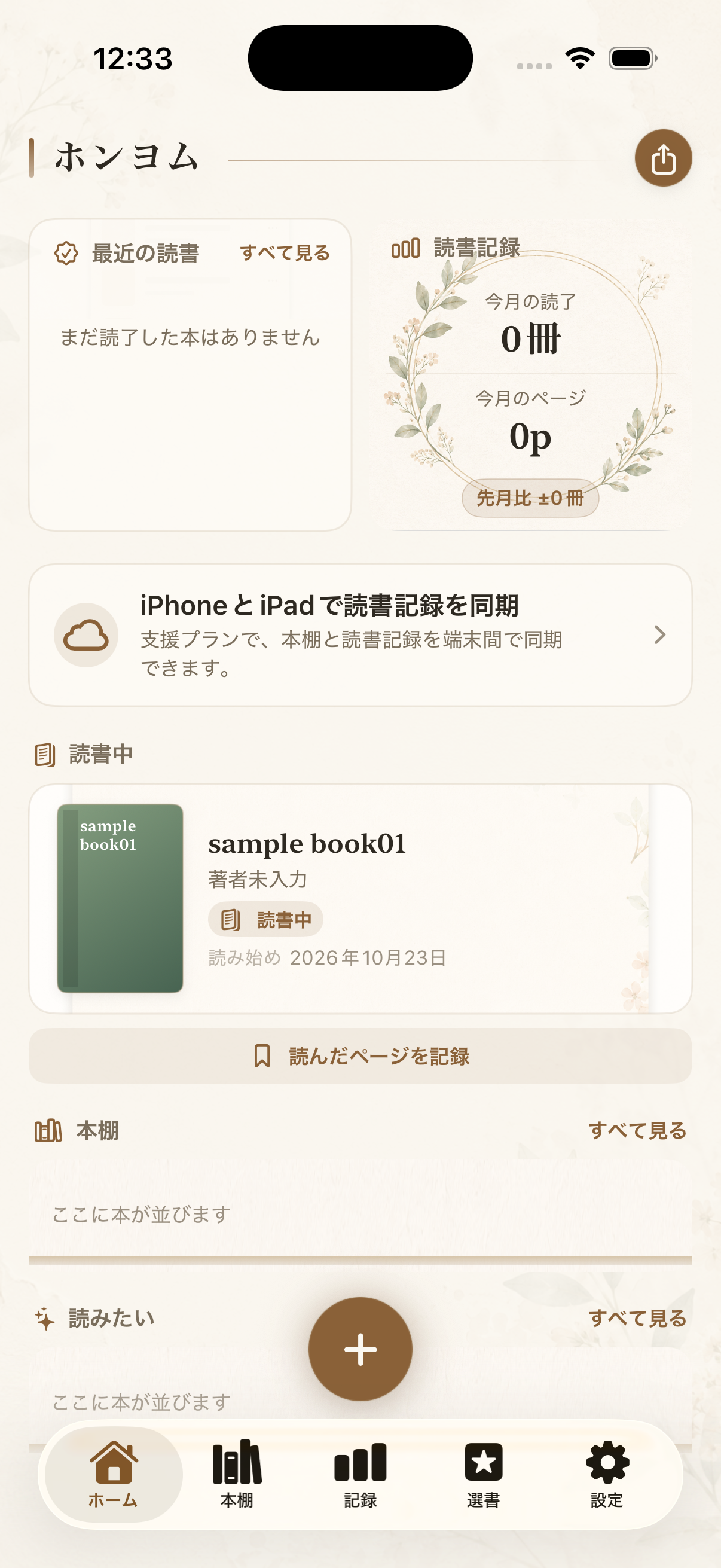
Get oriented on Home
Open Home to see your reading shelf and the ways to add or revisit a book.
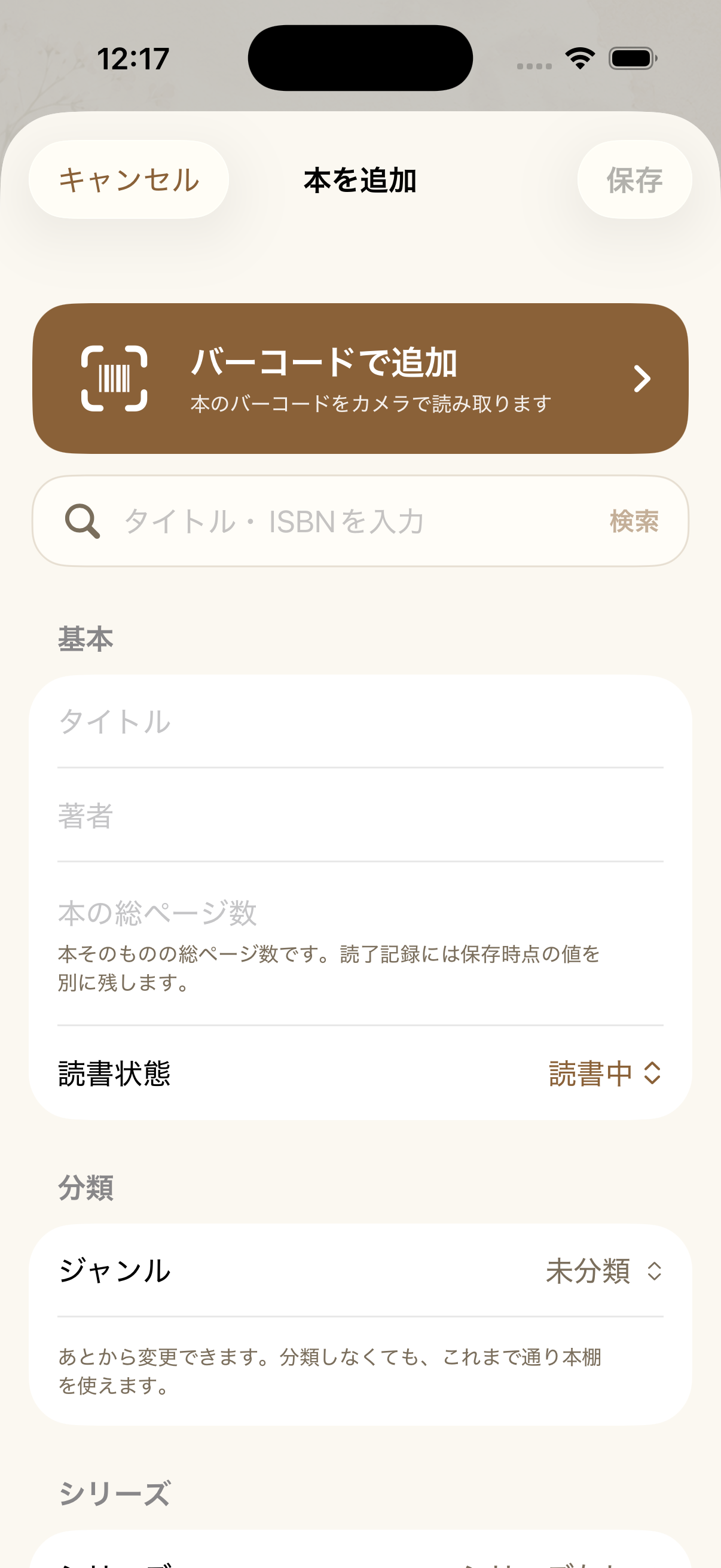
Add a book
In the book editor, enter the title under Basic. Add an author or page count if useful, choose its reading status and genre, then tap Save.
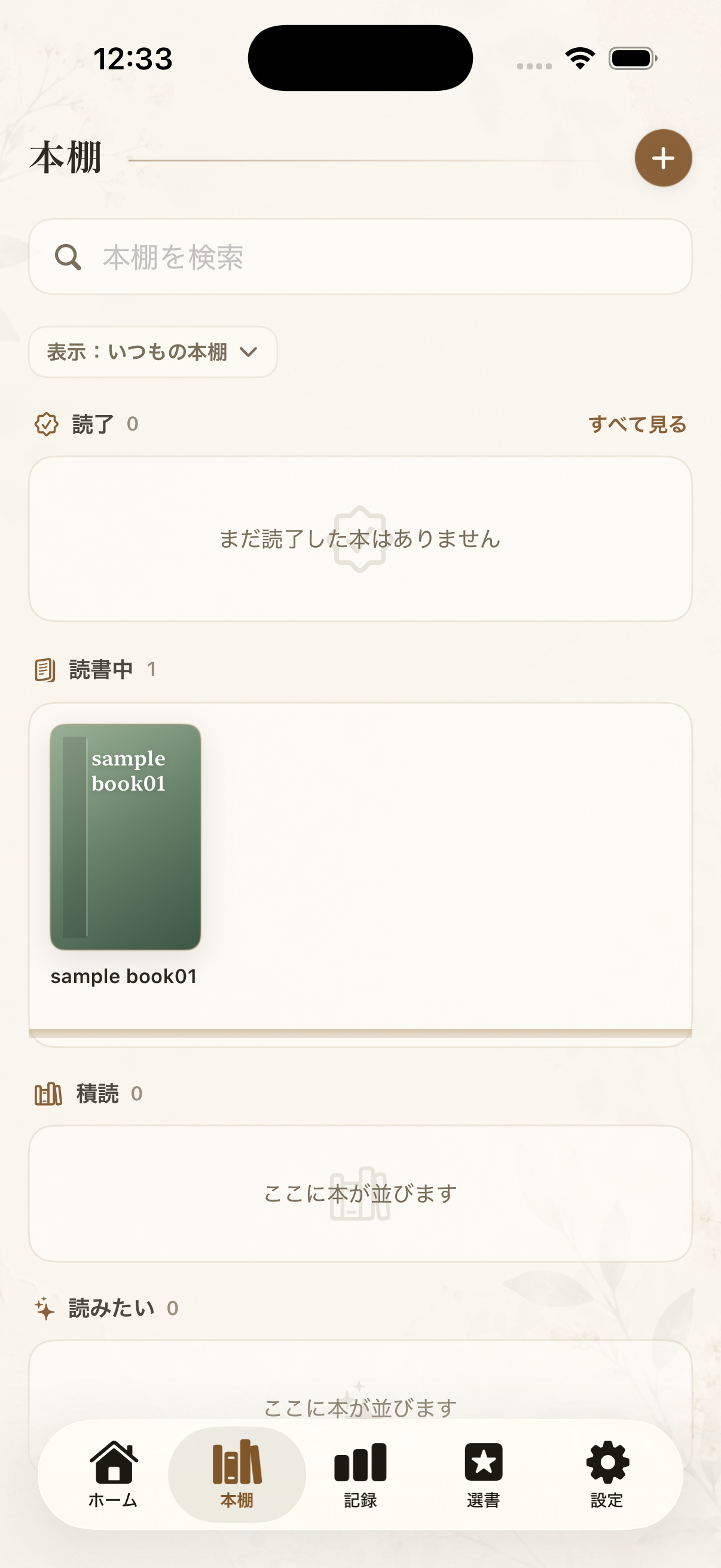
Explore your bookshelf
Open your bookshelf to revisit the books you have saved and check what you are reading or planning to read.
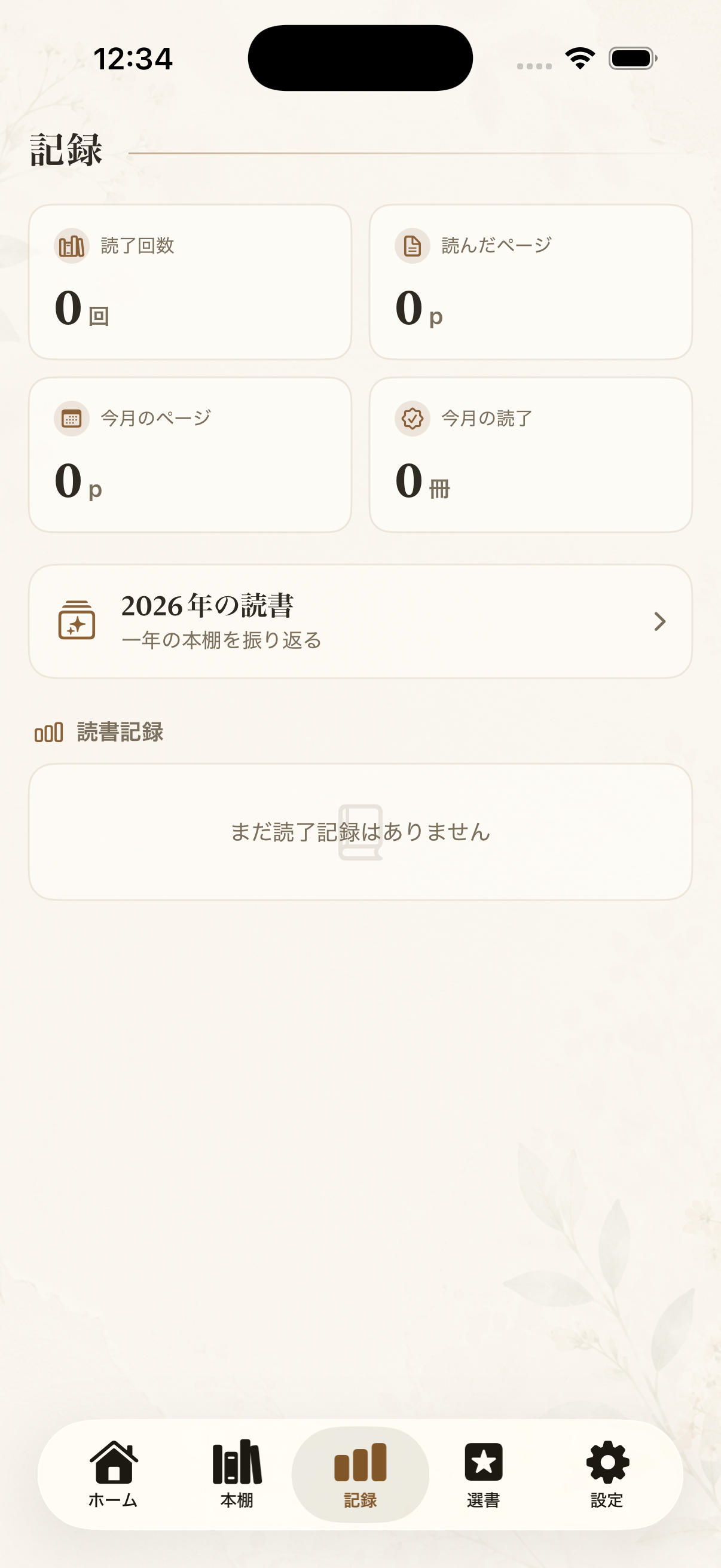
Review your reading
Open a book to revisit its reading notes and progress. Check the book before changing its details.
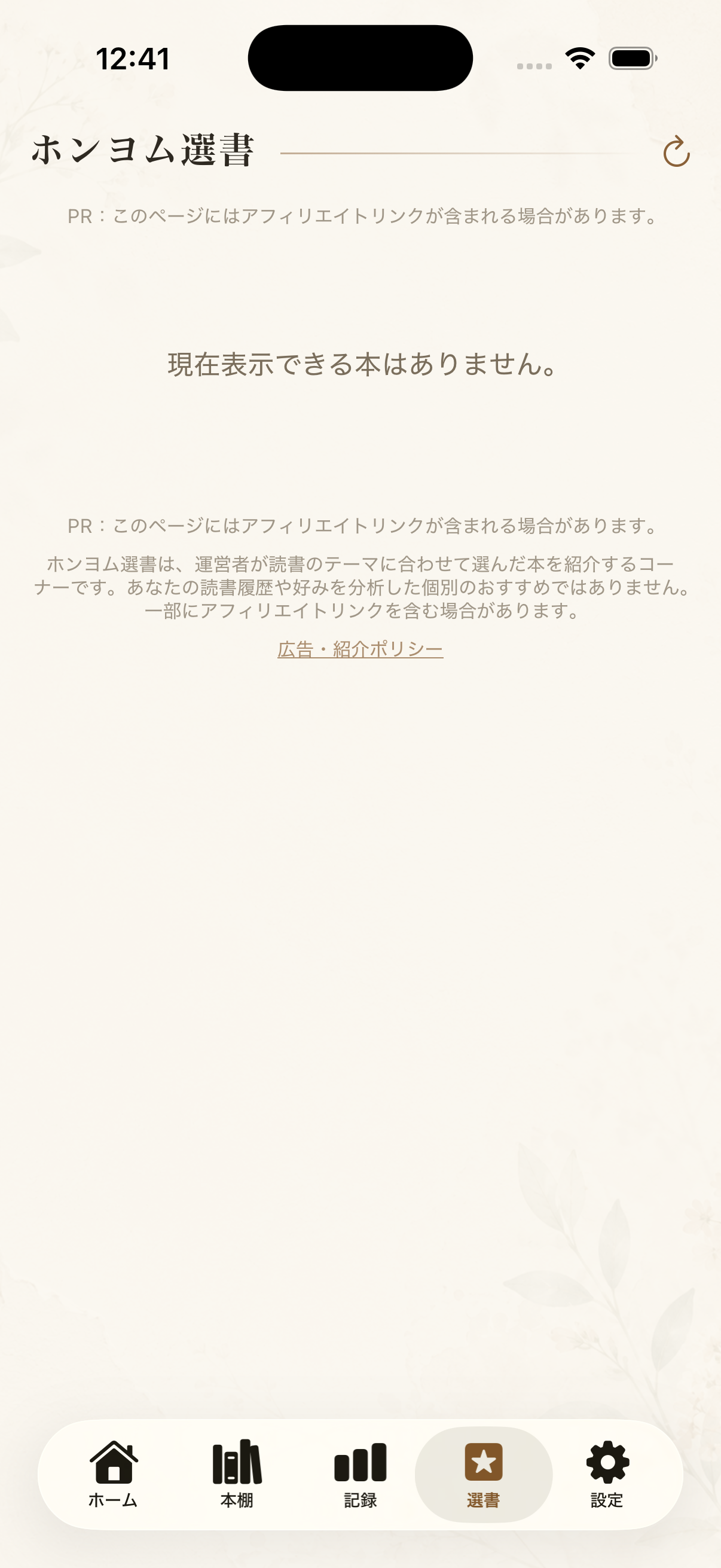
Discover your next book
Use the discovery area to browse new reading ideas. An empty result does not remove the books already on your shelf.
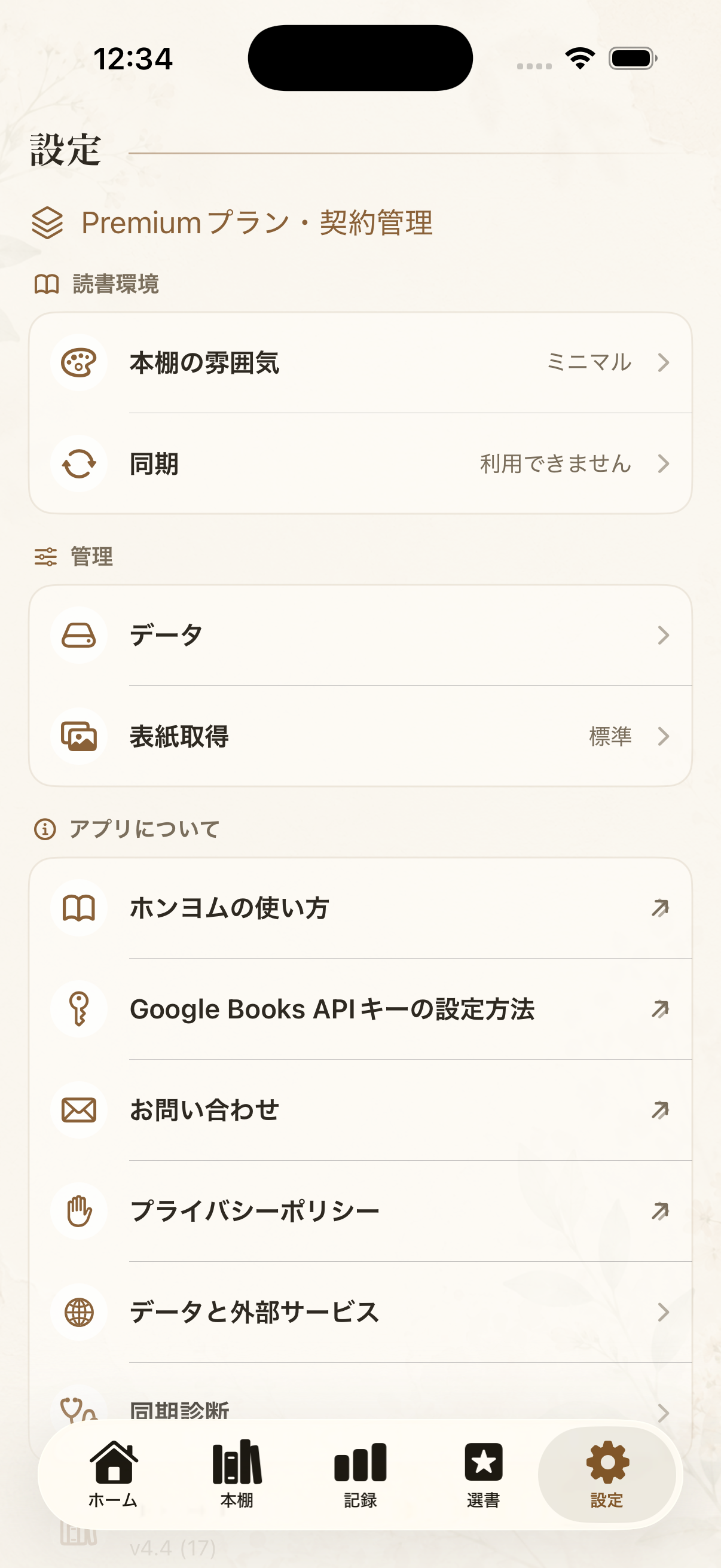
Review settings and help
Open Settings when you need to check the app’s options. If a feature or saved book is missing, check the selected shelf and app version before changing or deleting records.