Screenshots may show the Japanese interface. Button labels can differ depending on your app version and display language. An English-language interface has not been verified for this app.
Set up a workout
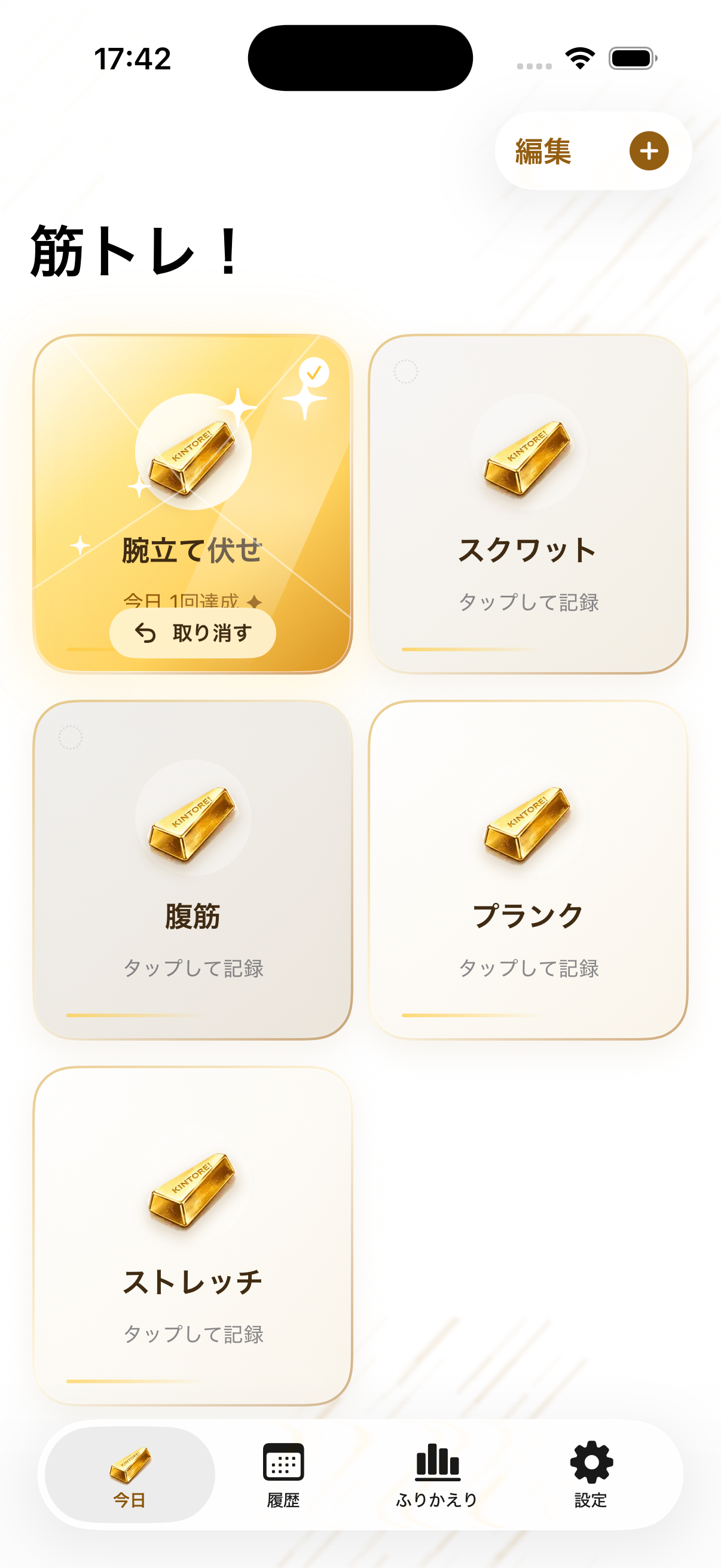
On Today, tap the plus sign to add a workout. Enter a name and choose the body area; add notes or a picture if you wish. Tap Add, then check that the workout appears on Today.
Mark a session complete
Tap the workout card after finishing your exercise. The app records the session in your history. If you tapped by mistake, use Undo immediately.
Review and protect your records
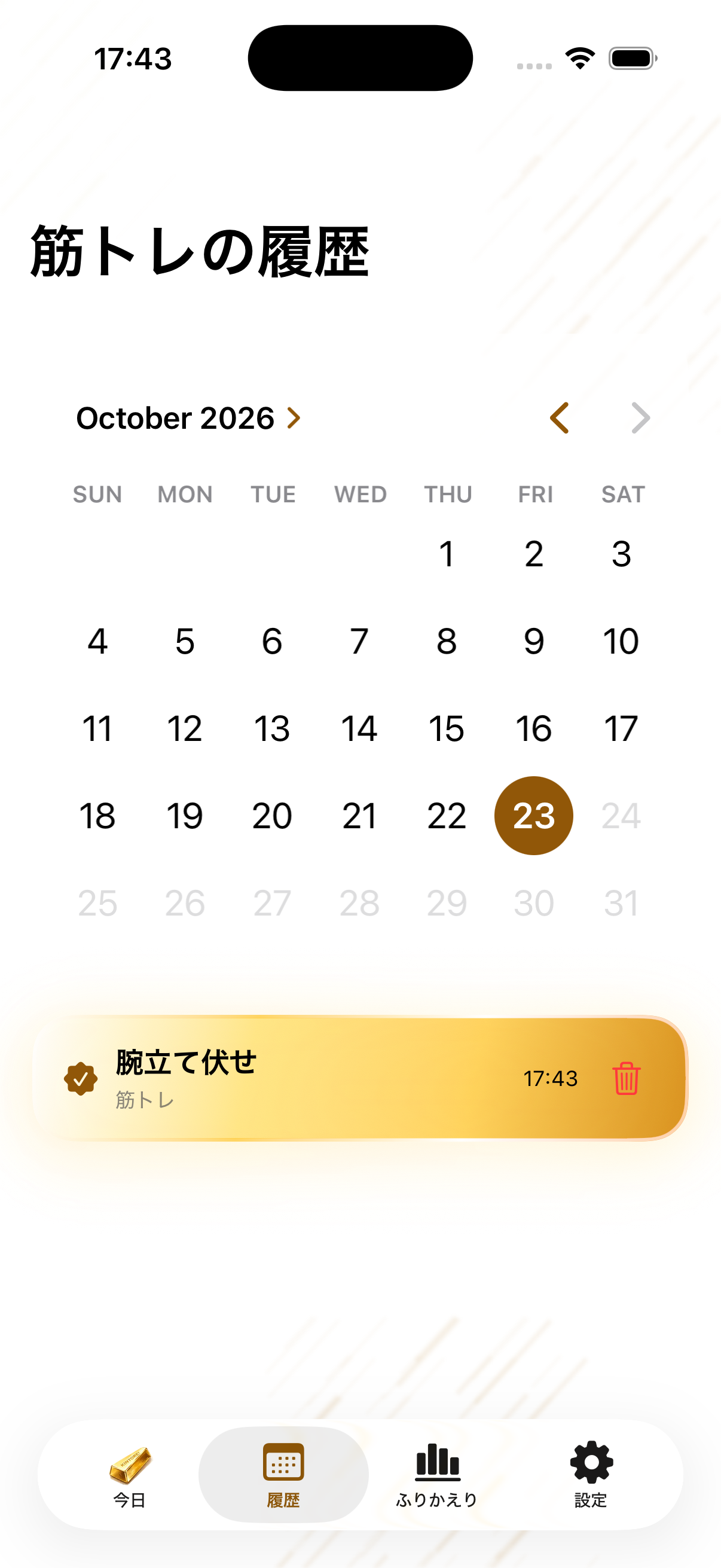
Use History to revisit past workouts. Under Settings > Data Management, back up your data to a file before restoring anything. Restore adds records without duplicating matching IDs.