Screenshots may show the Japanese interface. Button labels can differ depending on your app version and display language.
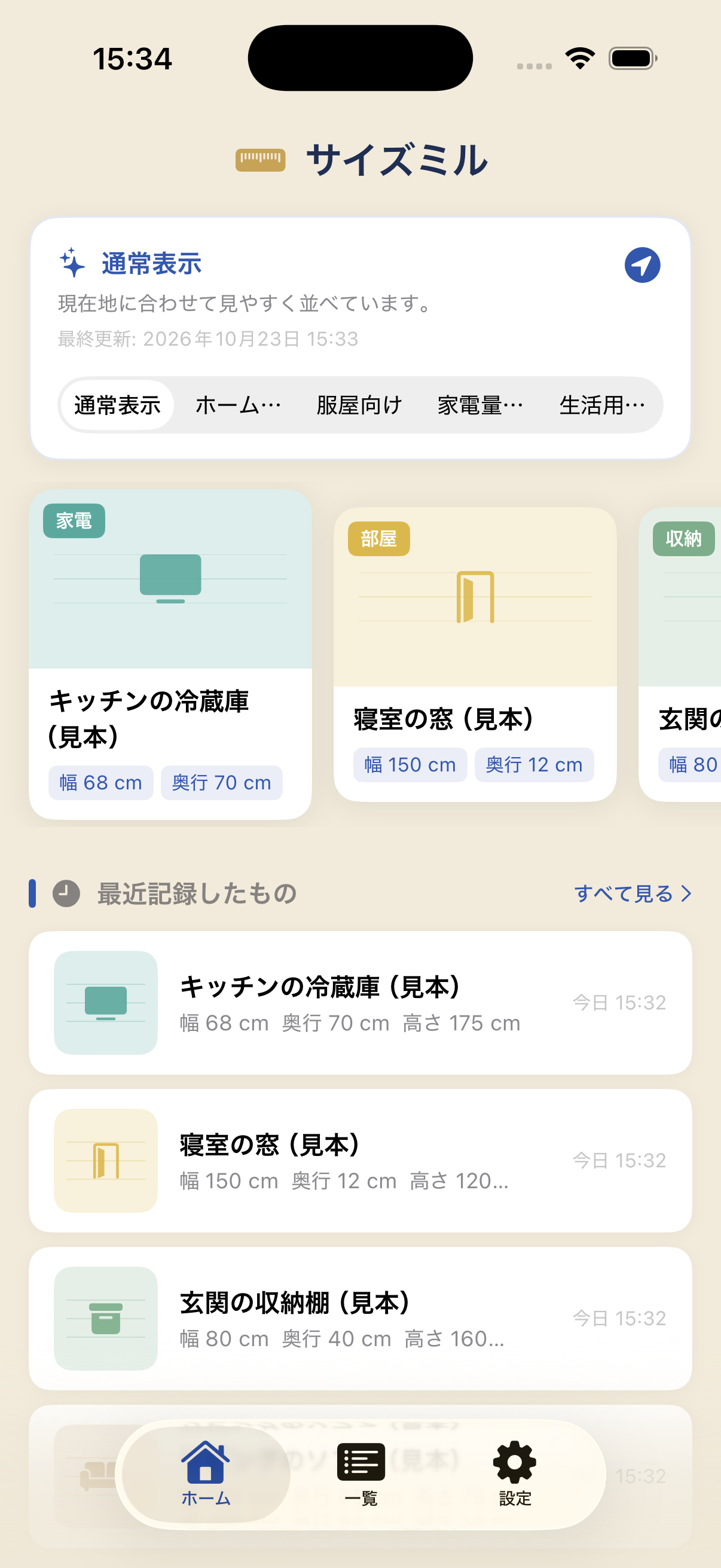
Save a new measurement
On Home, choose New Record, enter the dimensions and save. Recently used entries and categories help you find measurements again.
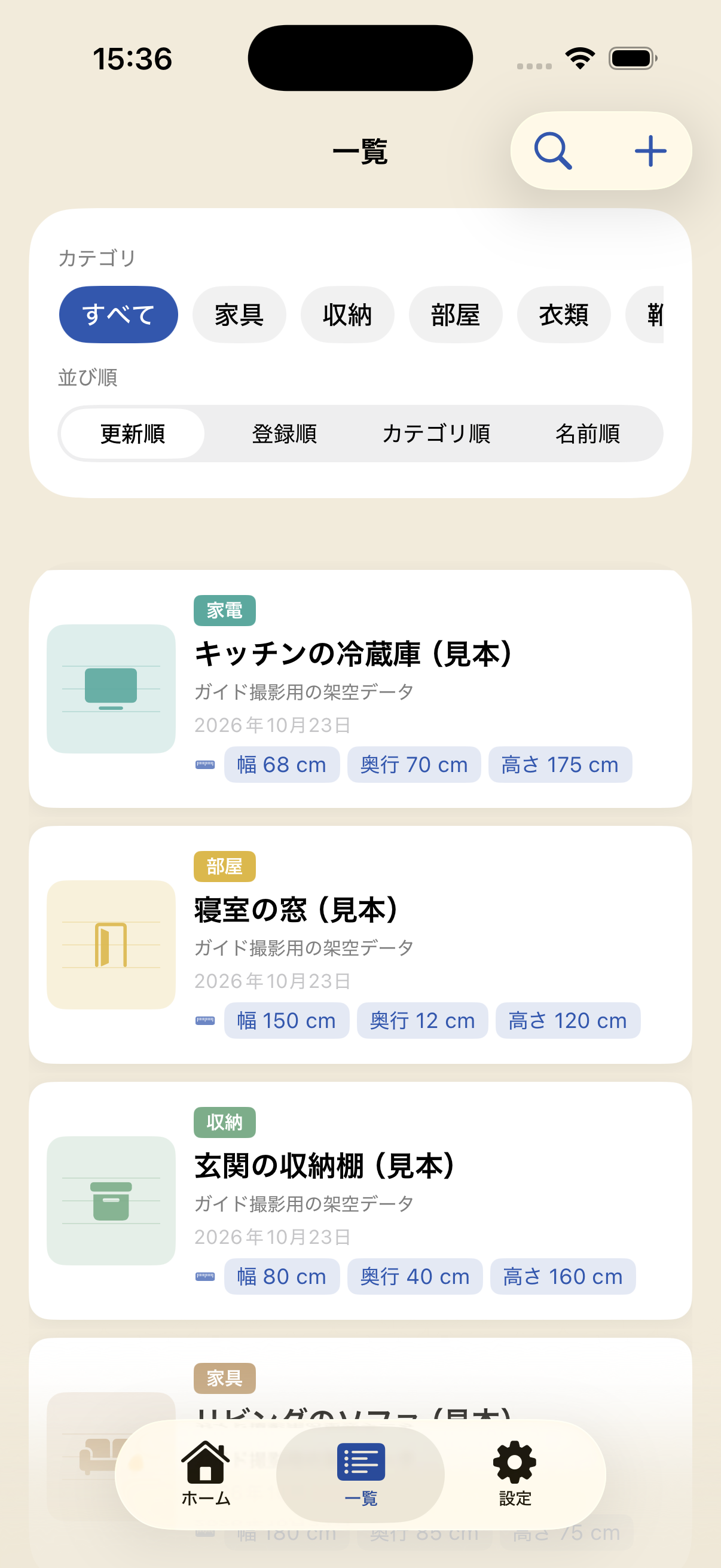
Find the right size
Open List and search by item name, brand or size. Filter by category, or choose All to see measurements across categories.
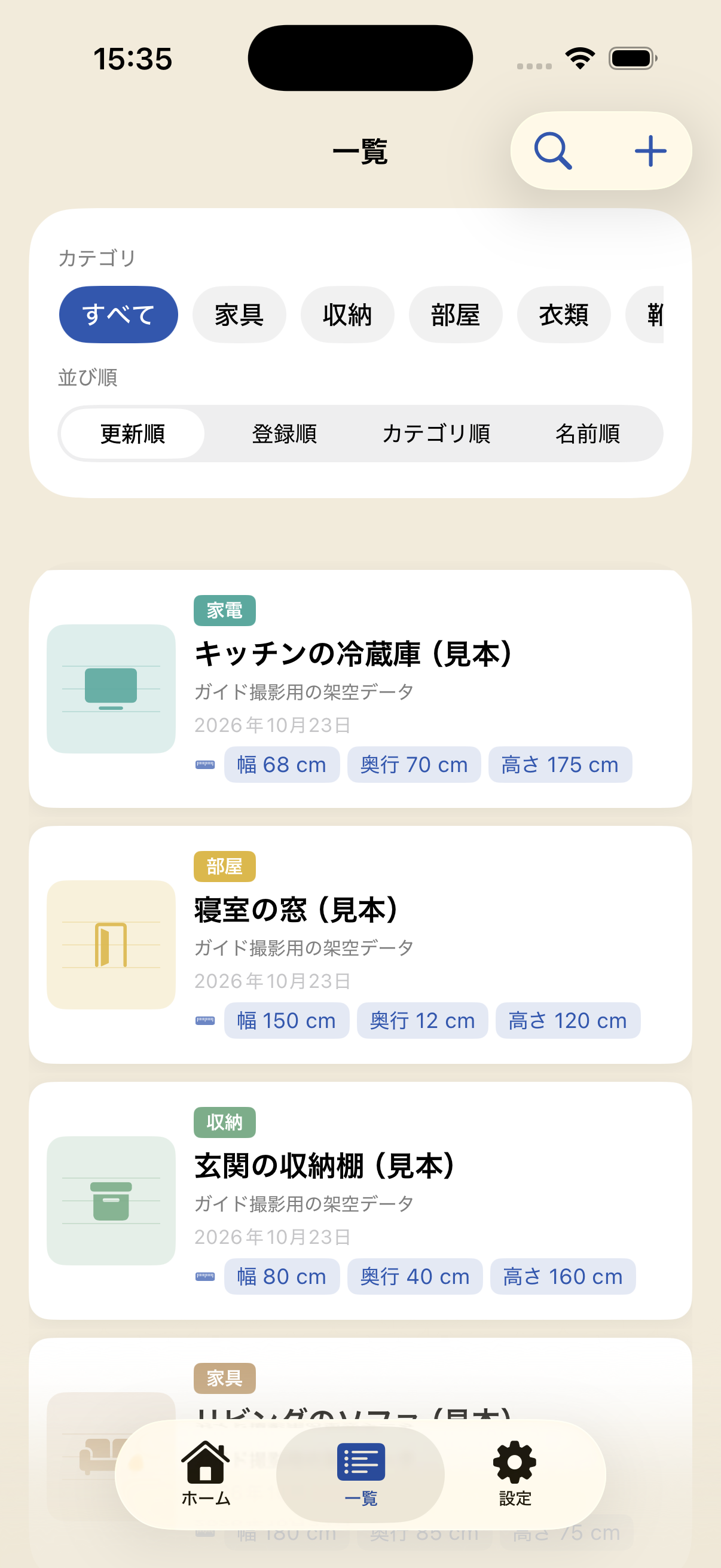
Check and edit details
Open an entry to review its dimensions, notes and pictures. Tap Edit to make changes and Save to confirm them. Deletion cannot be undone, so double-check before removing a record.